
01
Filter the wall first
Guests should narrow by studio and artist before they ever hit a booking widget so the route feels curated instead of cluttered.
Flash Tattoo
The source CMS already holds 1,781 flash records with images, artists, price ranges, deposits, durations, and studio availability. The premium route should let guests filter the wall, understand the commitment, and move into Square without losing the design context.
01
Guests should narrow by studio and artist before they ever hit a booking widget so the route feels curated instead of cluttered.
02
Price range, deposit, size, and duration should all sit on the card so clients know whether the piece fits before they click away.
03
The Square handoff should feel like the final confirmation step, not the place where the guest has to reconstruct which design they chose.
Booking lane
Choose a design, confirm the artist and studio, and move straight into the right Square booking flow without making the client decode the system.
Next move: Keep the handoff instant and inventory-led.
Filter by studio
Filter by artist
Showing 5 sample designs across all studios and artists.

Alan
Bookable flash sample extracted from the current Webflow Flash collection.

Alan
Strong example of how price, duration, and location can sit directly on each flash card.
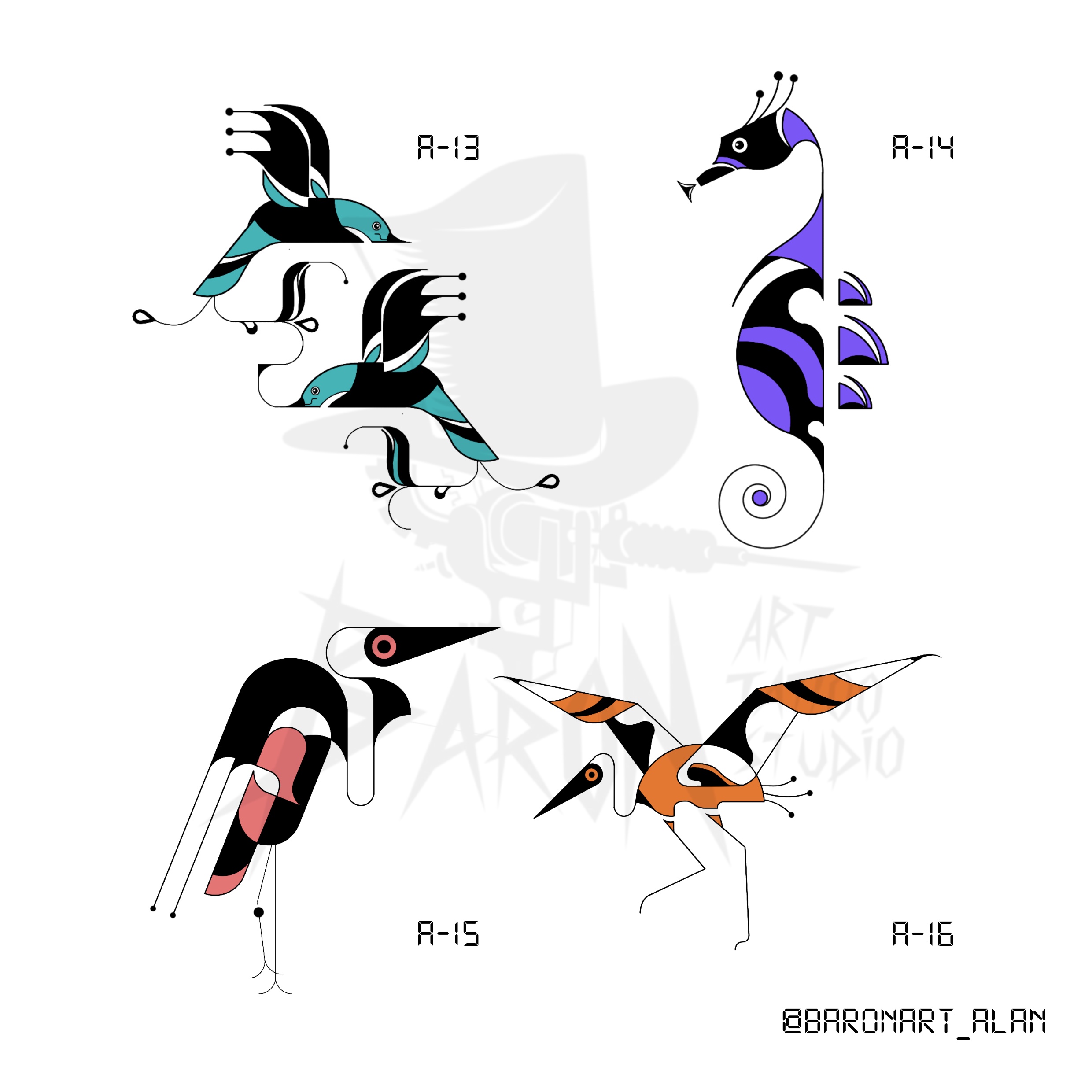
Alan
Keywords include swallow, seahorse, crane, and bird.
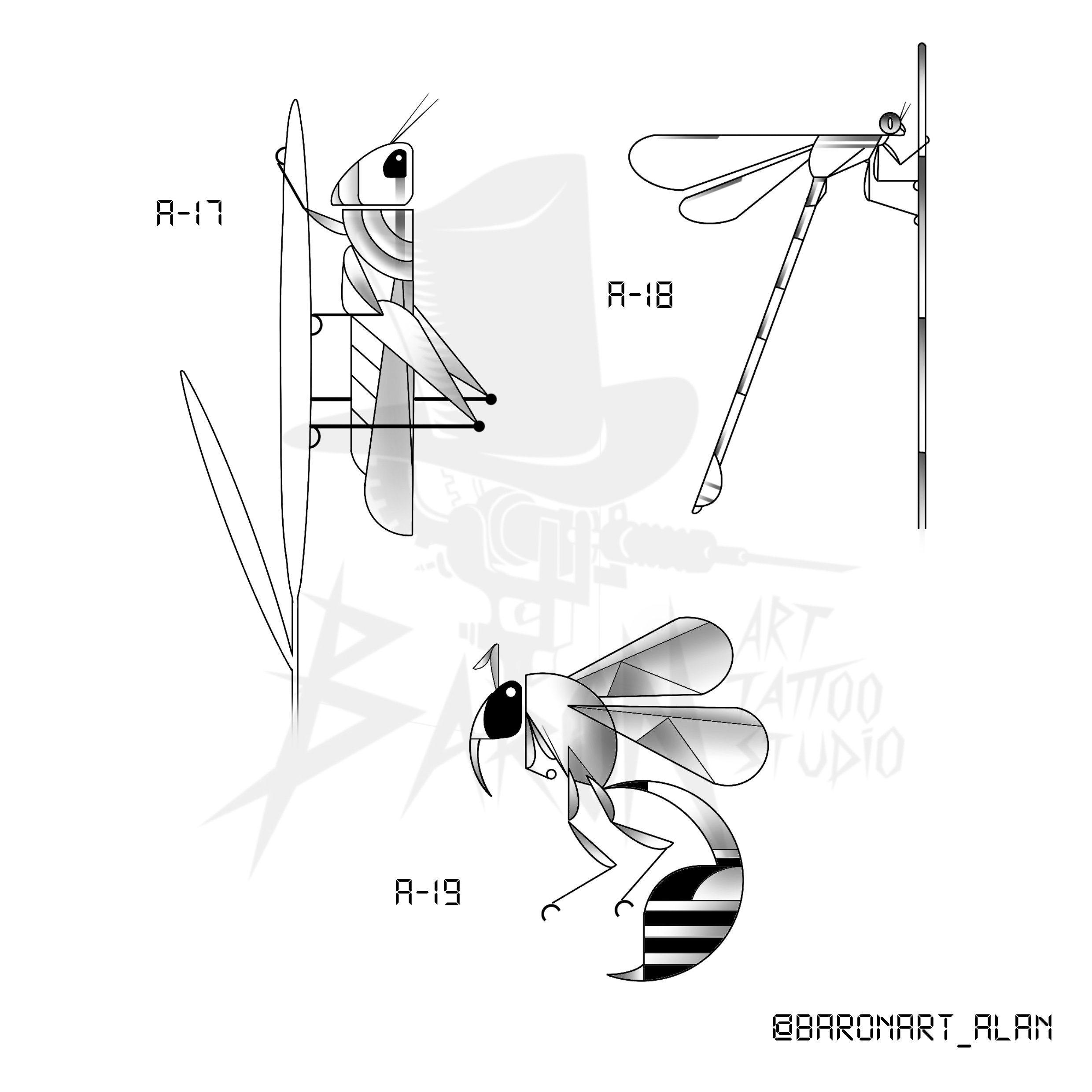
Alan
Clients currently note their selection inside the Square appointment notes field.
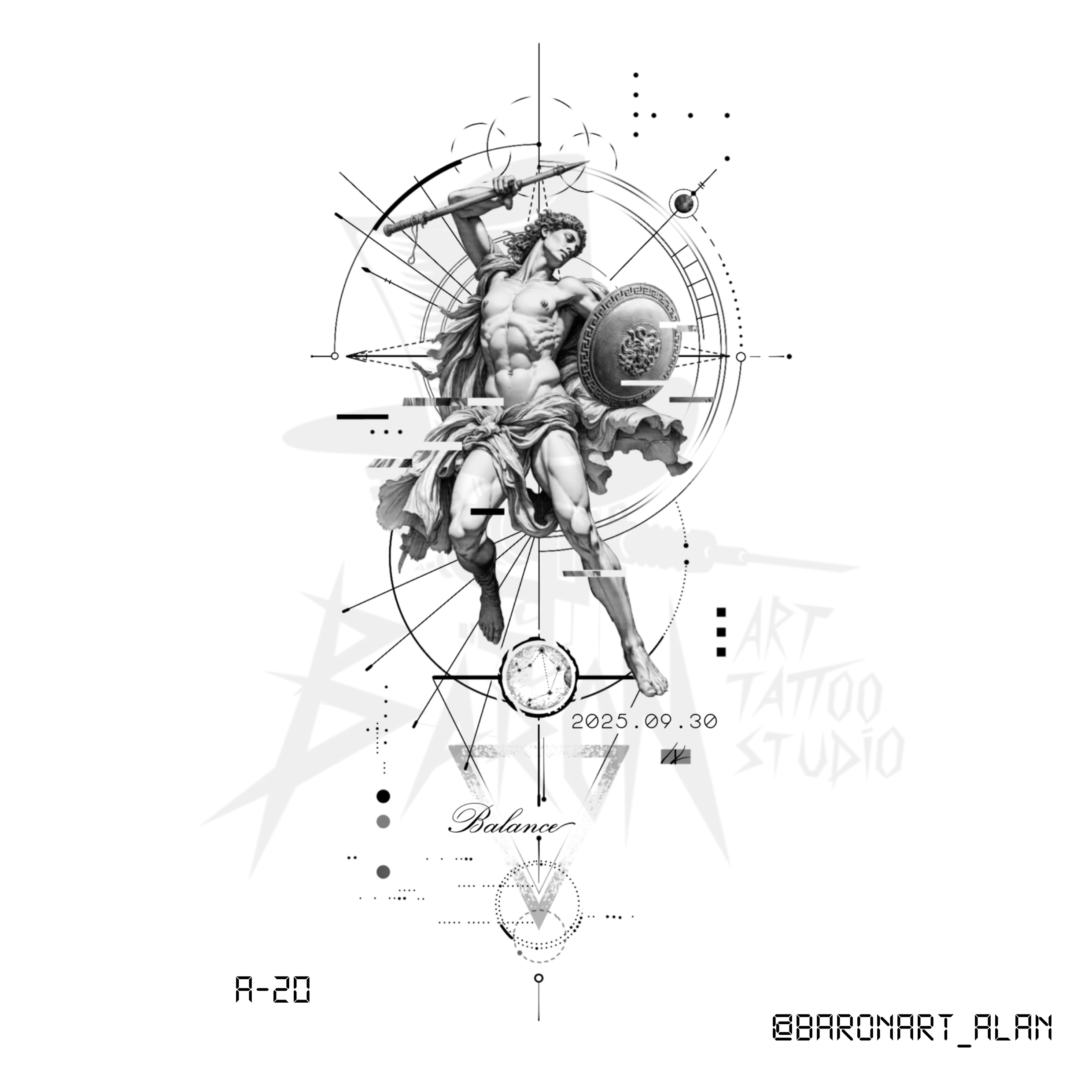
Alan
Non-repeatable piece with customizable words and date elements.
What this route should preserve
Studio coverage
Next route if flash is not the right fit
If the guest is still shaping the idea, switch them into the custom tattoo intake before booking so the studio can review the brief properly.
Move To Custom Intake